SketchUp files in Office
SketchUp is a popular 3D graphics program that makes it easy to create shareable conceptual designs, such as fully textured architectural models and other graphics used in industrial design, product design, and civil and mechanical engineering. Now, for the first time, SketchUp graphics (.skp files) can be integrated into your creations in Word, Excel, PowerPoint, and Outlook!
How it works
It’s easy to add SketchUp files in Office creations.
1. Click Insert > 3D Models > This Device.

2. Choose one or more SketchUp (.skp) files and click Insert.

Scenarios to try
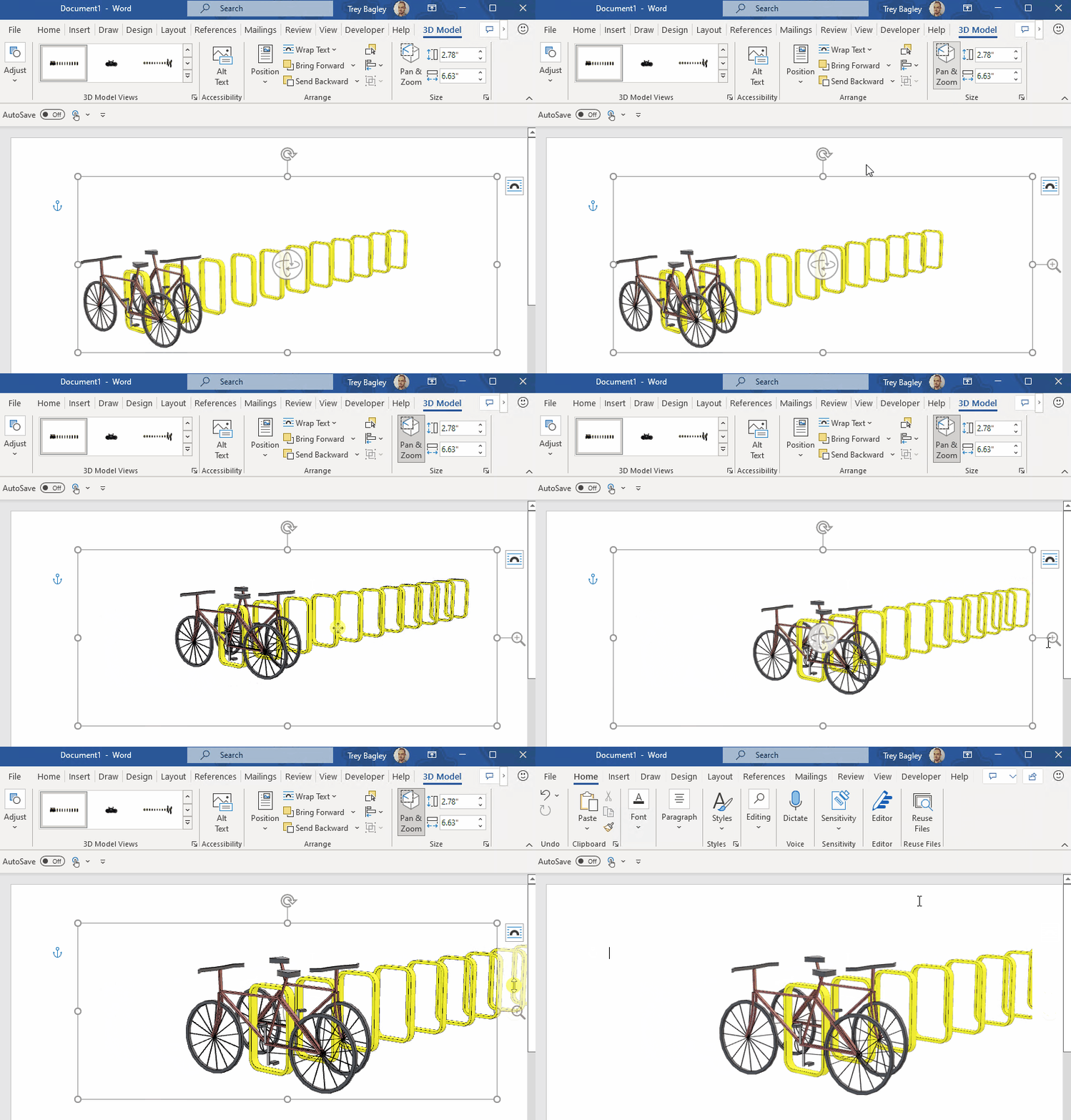
- Change the rotation of the model to show off different sides of your design.

- Use the Pan & Zoom button in the 3D Model tab to highlight an area of interest.
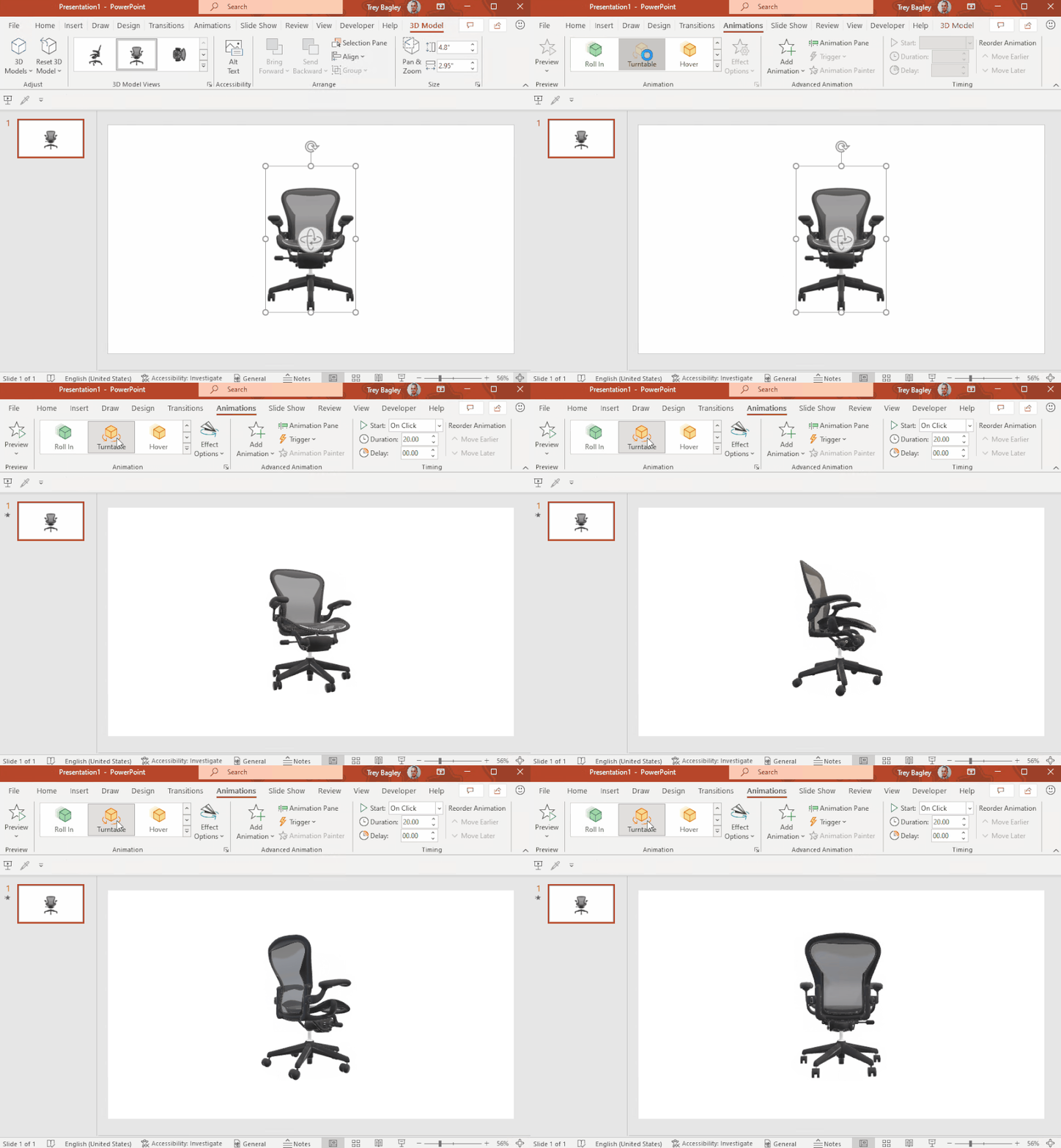
- In PowerPoint, you can give your inserted SketchUp file a 3D animation, such as Turntable or Swing, using the Animations tab.
Requirements
Note that support for SketchUp files in Office is only available on Macs with Intel chips. M1-based Macs do not support this feature, although we are hoping to add this support soon.
Availability
This feature is available to Office Insiders running the following versions:
- Windows: Version 2206 (Build 15321.1000) or later
- Mac: Version 16.62 (Build 22052003) or later